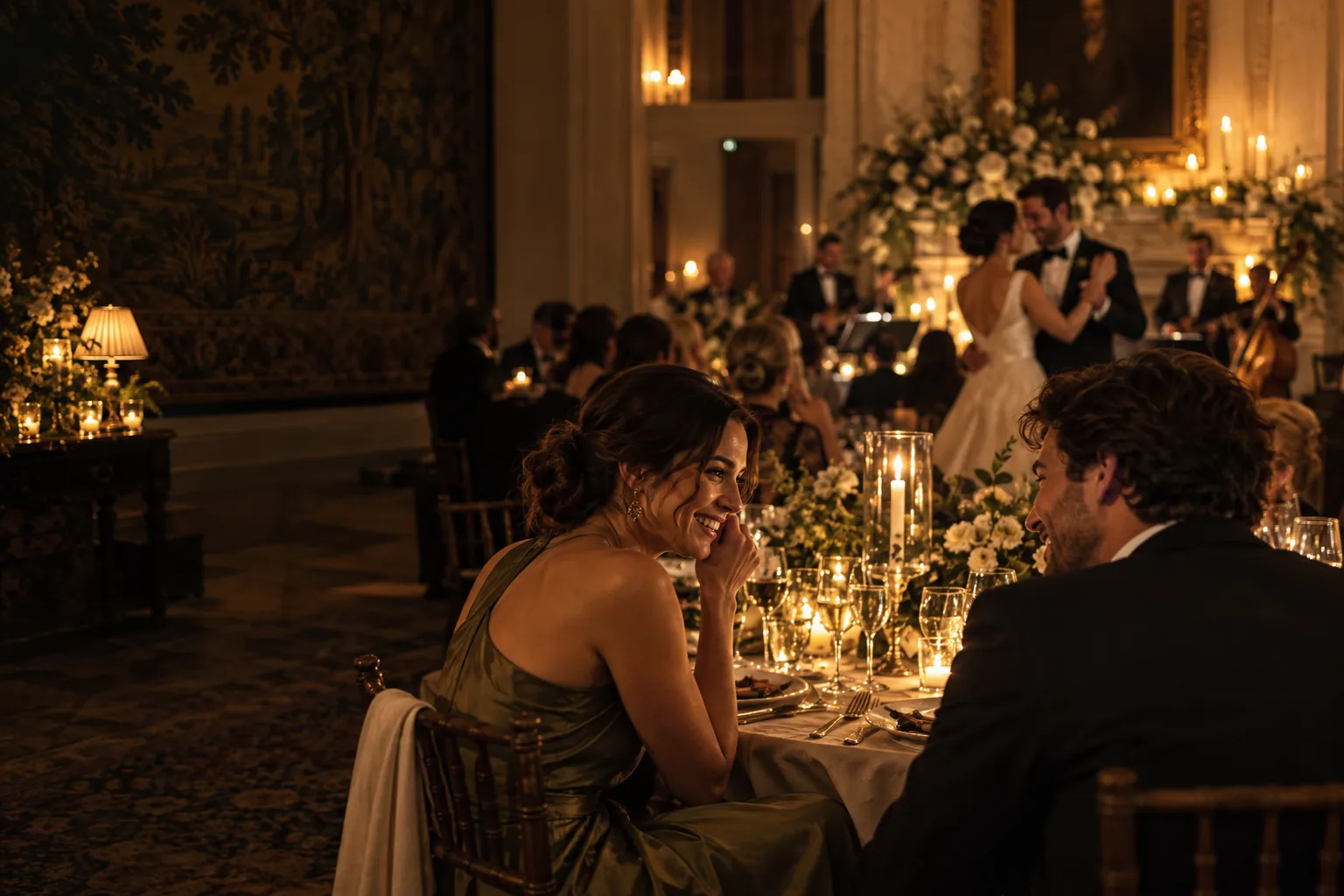
The moments you planned for. And the ones you never knew were happening.
Your photographer sees the ceremony, the portraits, the first dance. But while you are at the centre of the day, a hundred smaller stories unfold around you. Your friends are laughing at the far end of the table. Your grandmother is talking to someone she has not seen in years. The dancefloor has a life of its own.
Your guests see those moments. Their photographs can bring them back to you — if you give everyone a simple, inviting way to share them.
Start with an invitation, not just a QR code
A QR card on a table is useful. An unexplained QR card is easy to overlook. Tell guests before the wedding what you would love them to do and why it matters to you. A short note alongside the practical details is enough:
We would love to see our wedding through your eyes. Take a few candid photos during the day and share the moments we might miss. We will bring them together in a gallery after the celebration.
If you are using a camera app, an advance email gives guests time to download it at home. On the day, place the joining QR code where people will naturally notice it: on a welcome sign, a table card or beside the guestbook. A brief mention from your host or MC can turn it from a piece of stationery into an invitation to take part.
Make sharing feel effortless

Some guests will take photographs as the day unfolds. Others will remember later that their favourite images are already in their camera roll. Let them know whether they can do both, and give them a clear window for adding photos after the event.
A group chat can collect a few pictures, but the best shots may end up scattered among messages and across different groups. A shared folder can work, although not everyone finds access permissions intuitive. A dedicated wedding gallery gives those perspectives one home, with a clear way for the couple to review and download them.
Think about the guest who does not want another app on their phone, too. An app can make capturing and returning to the gallery feel natural; a browser camera gives someone else a way to join without a download. Whichever route you choose, try it on an iPhone and an Android phone before the wedding. Check the QR code at the venue as well, especially where the mobile signal is weak.
Choose when the story opens

There is something lovely about seeing photographs appear on a screen during the reception. There is also a different kind of magic in waiting. A delayed gallery gives you time to look through the contributions and choose the moment everyone sees the day through one another's eyes.
Decide what feels right for your wedding. Consider who has the gallery link, whether you can hide a photo before sharing, and how long the online gallery will remain available. A private, link-based gallery is not a public social feed, but anyone you share the link with may be able to open it. Share it with the same care you give to your other wedding memories.
Finally, download your photographs and videos for your own records. Online hosting has a defined period; your own copy lets you keep those moments long after the gallery closes.
How Lumera brings the moments together
With Lumera, you create your wedding event and choose Free, Signature or Premiere online. The host manages the event from a web dashboard. Before the wedding, guests receive an email explaining the experience and inviting them to download the Lumera app in advance.
At the celebration, guests scan your event QR code. If they have the app, it opens your wedding for them to capture photos. If they do not, they can download it or choose the browser camera instead. They can also add favourites from their camera rolls. Their contributions gather in a private, link-based gallery, ready for you to curate and reveal at the moment you choose. The app is also a way to return to the gallery afterward.
Free lets you try Lumera with up to five guests and 20 photos. Signature, £149 including VAT, brings in unlimited guests, photo and short video uploads, a timed reveal and one AI Highlight Reel, with 24 months of online gallery access. Premiere, £199 including VAT, adds a video, audio and text guestbook, unlimited AI Highlight Reels and 36 months of online gallery access. Your media can be downloaded to keep.
Your photographer captures their art. Lumera gathers the little, unposed pieces of the day that only your guests could see. Together, they tell a fuller story.
A few questions couples ask
Do guests need to download an app?
No. The Lumera app is the main camera and post-event gallery experience, and the advance email gives guests time to download it. Anyone who prefers not to install it can choose the browser camera from the invitation link or the wedding QR code.
When should we ask guests to share their photos?
Invite them before the wedding, remind them with the QR code on the day, and let them know if they can add photographs from their camera rolls afterward.
Does this replace our wedding photographer?
No. Your photographer makes the professional record of your day. Guest photographs add the view from the tables, the dancefloor and all the places you could not be at once.
How long can we see the gallery?
The online gallery is available for three months on Free, 24 months on Signature and 36 months on Premiere. Download your media to keep your own copy.
Images are illustrative editorial scenes, not photographs from a Lumera customer wedding.